User guide
Step-by-step guides for secure sign-in, sensitivity labels, encrypted mail and file sharing in webmail.
Everything in this section is for the Classic webmail. Most Profelis features open from the Zimlets panel at the bottom left; if the panel is collapsed, click the arrow next to its title.
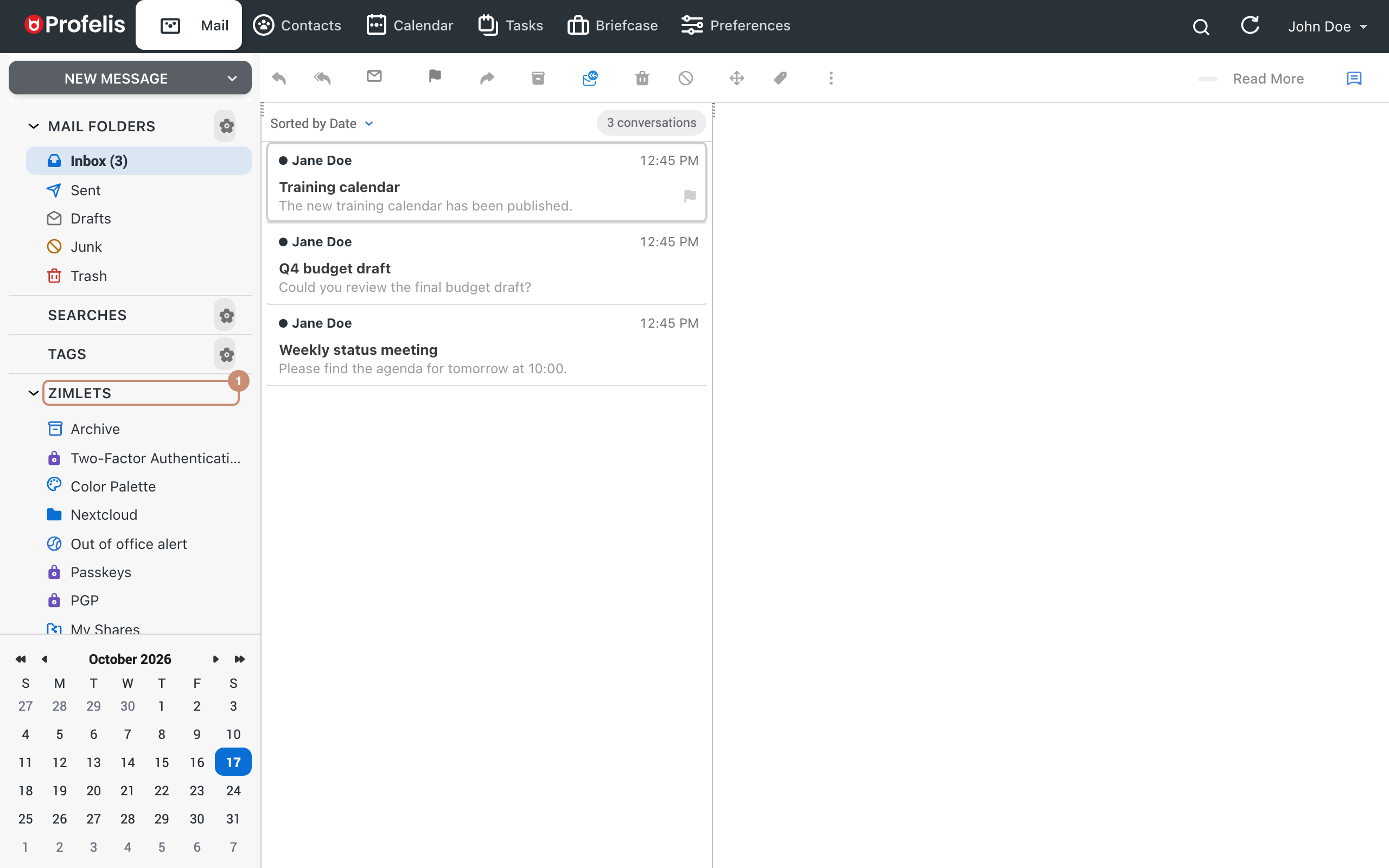
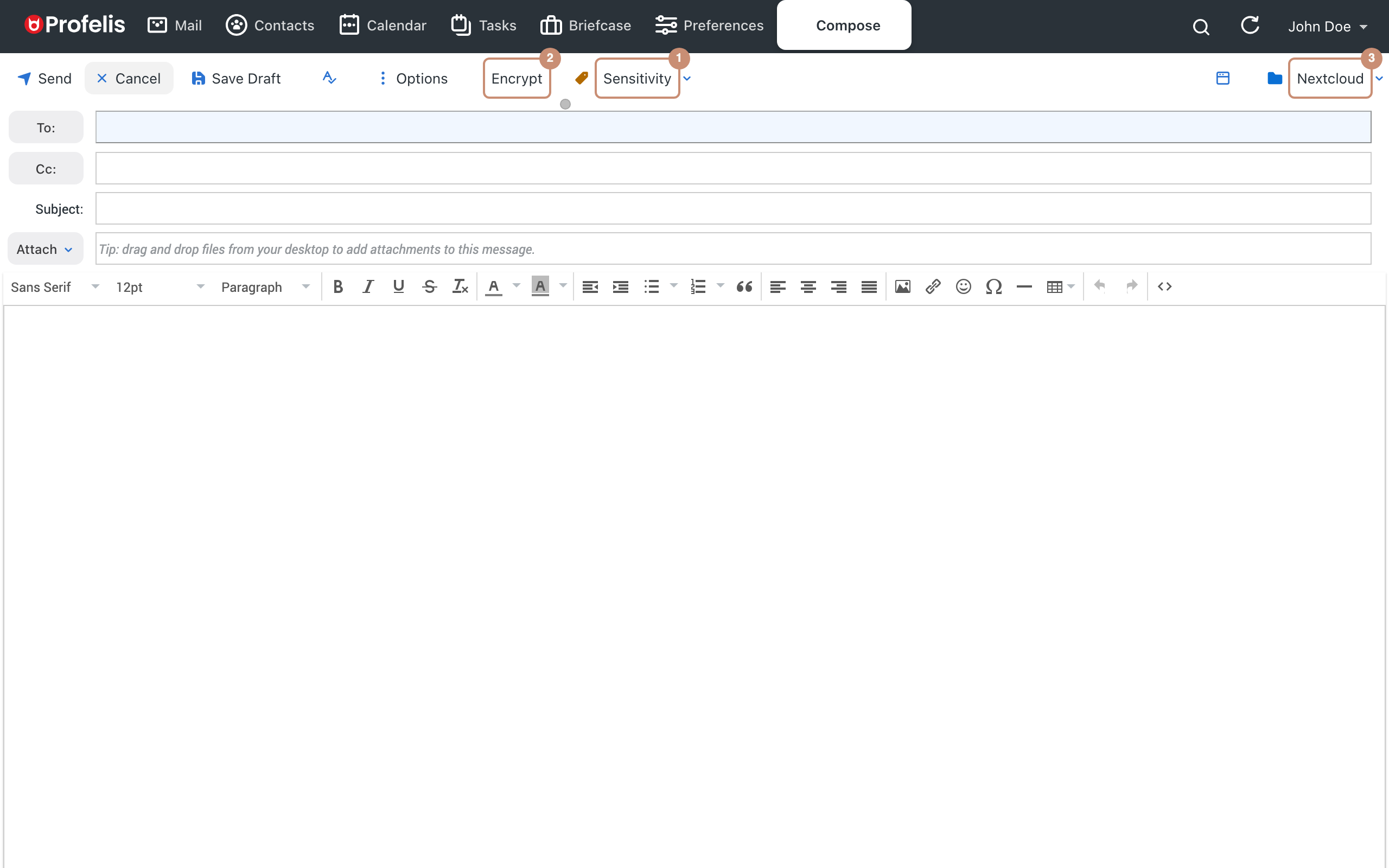
Some features are switched on by your organisation's administrator; if you cannot find a feature in the menu, ask your administrator.
Signing in to webmailAddress, password and first start. Two-factor authenticationProtect your account with a code from your phone. Signing in with a passkeyFingerprint, face or security key instead of a password. Sensitivity labelsMark sensitive messages. RecallTake back a message sent by mistake. PGP encryptionEnd-to-end encrypted and signed mail. Mail filtersUnread and flagged messages in one click. Out-of-office alertKnow when a recipient is away while you write. My sharesSee what you share and with whom. NextcloudSave files, attach them, share links. Colour paletteChoose the accent colour of the interface. Built-in add-onsAttach messages, archive and more.